Baker Scaffolding
00:00
/
00:00
- Student completion records
- VR training certificates
- Training groups
- Scheduling
- Set refresher training frequency
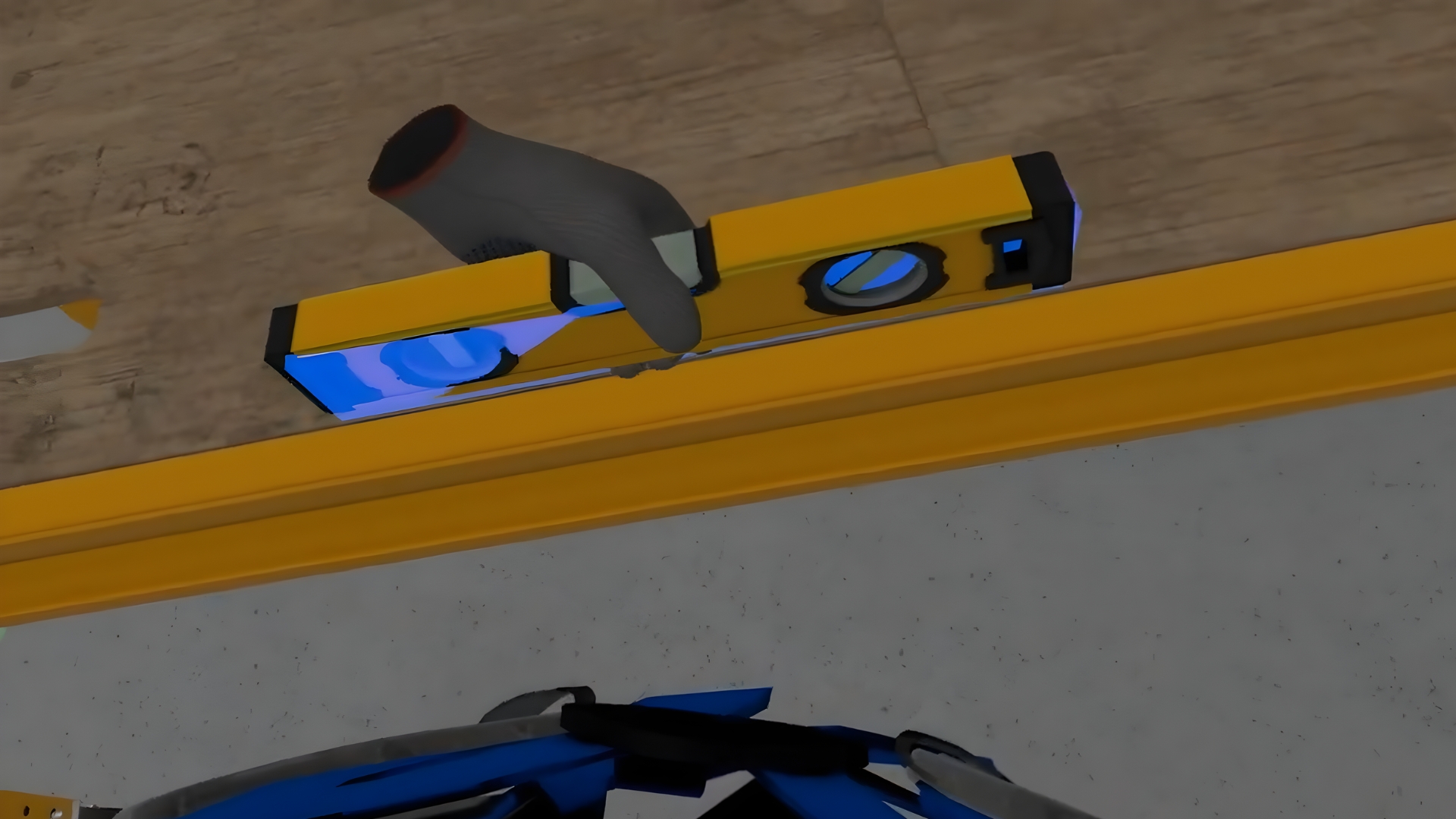
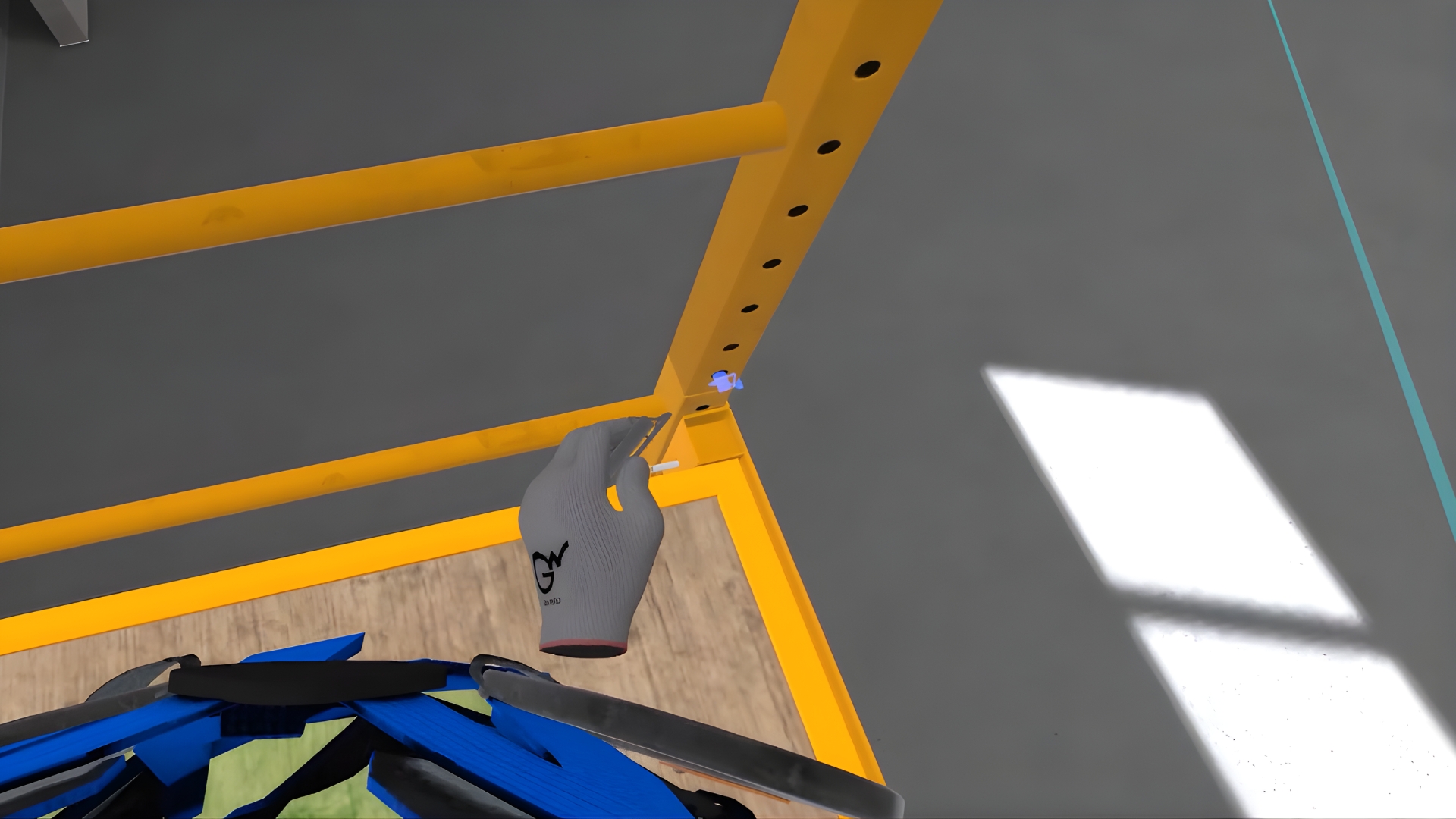
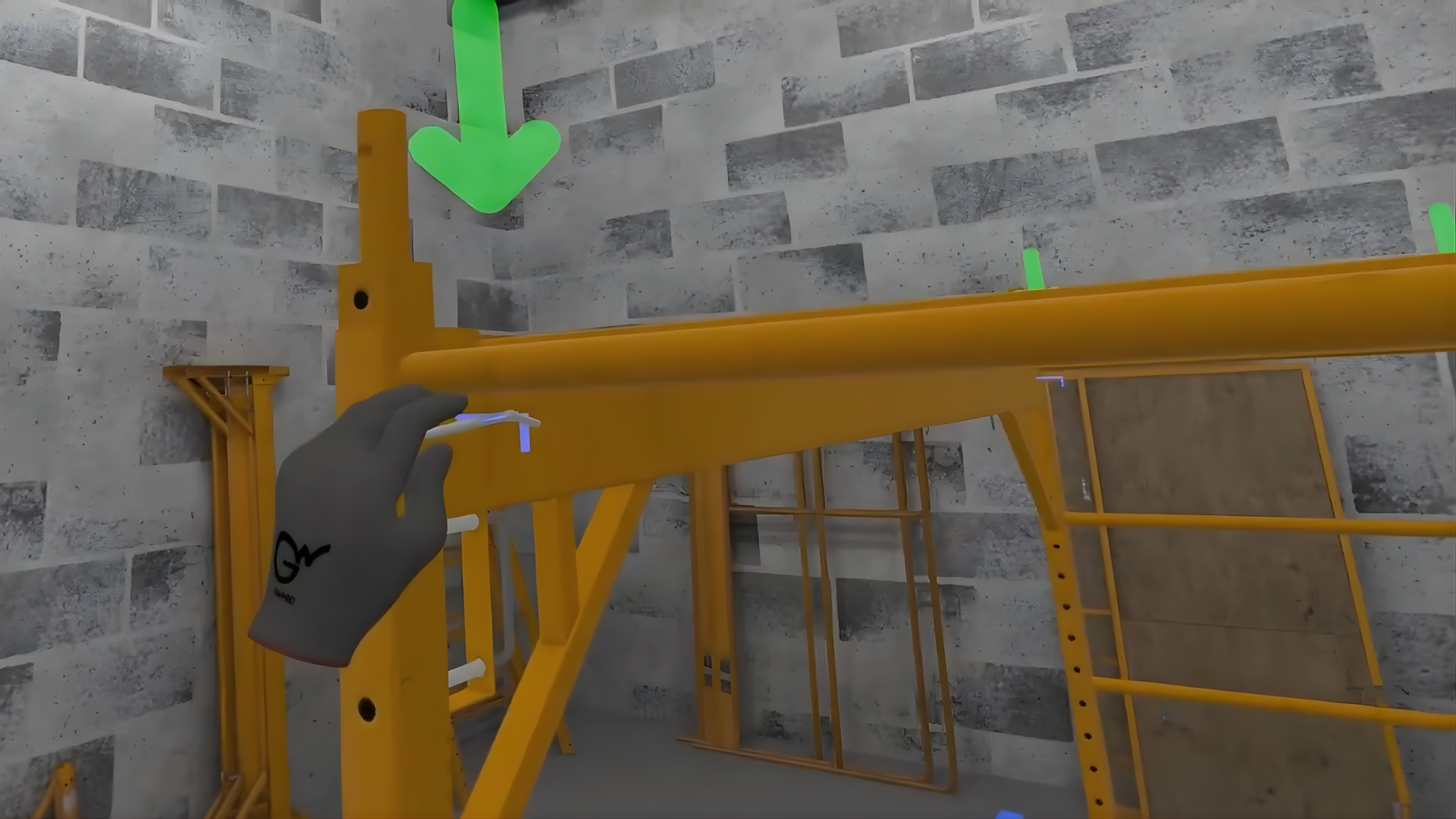
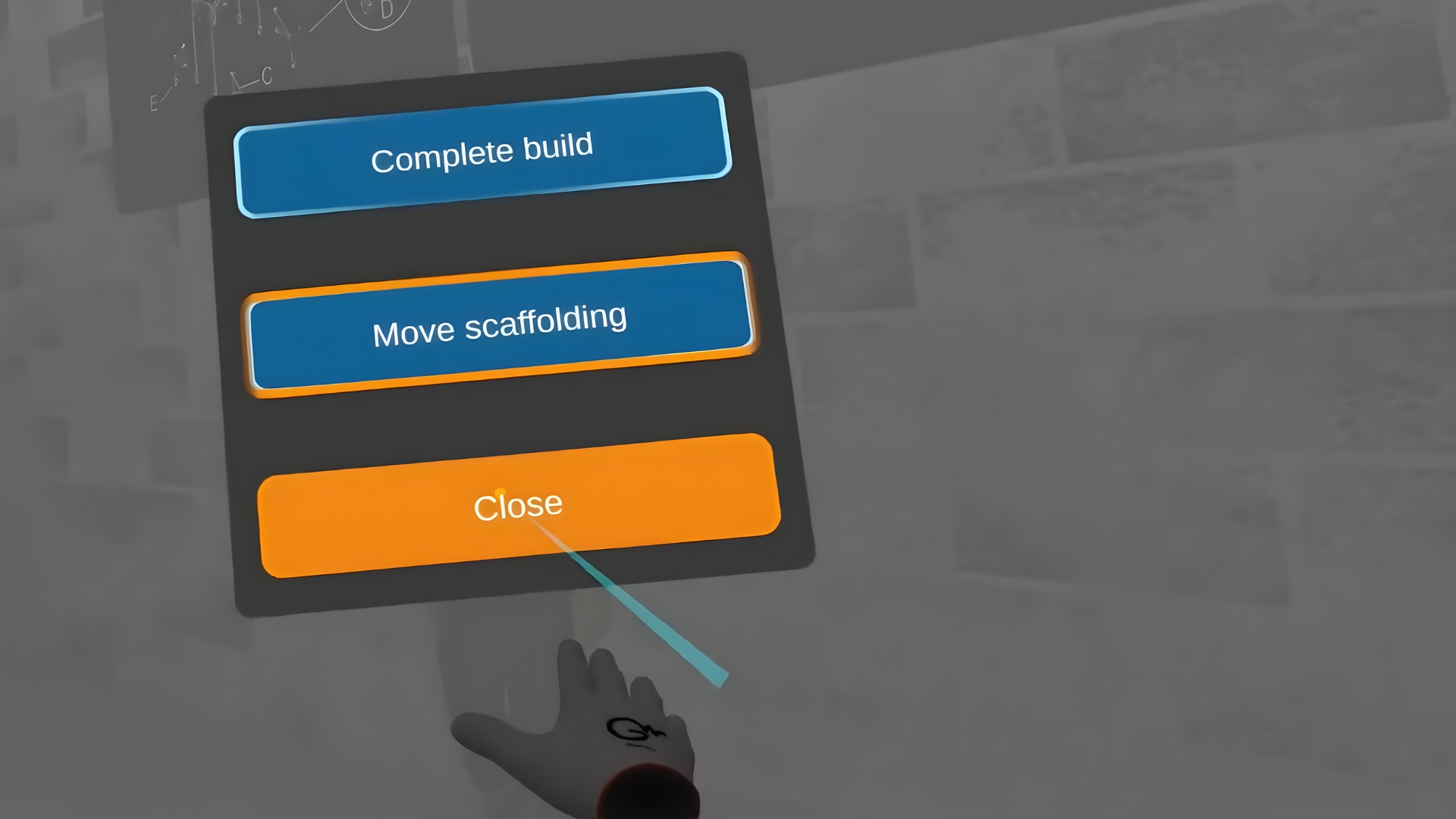
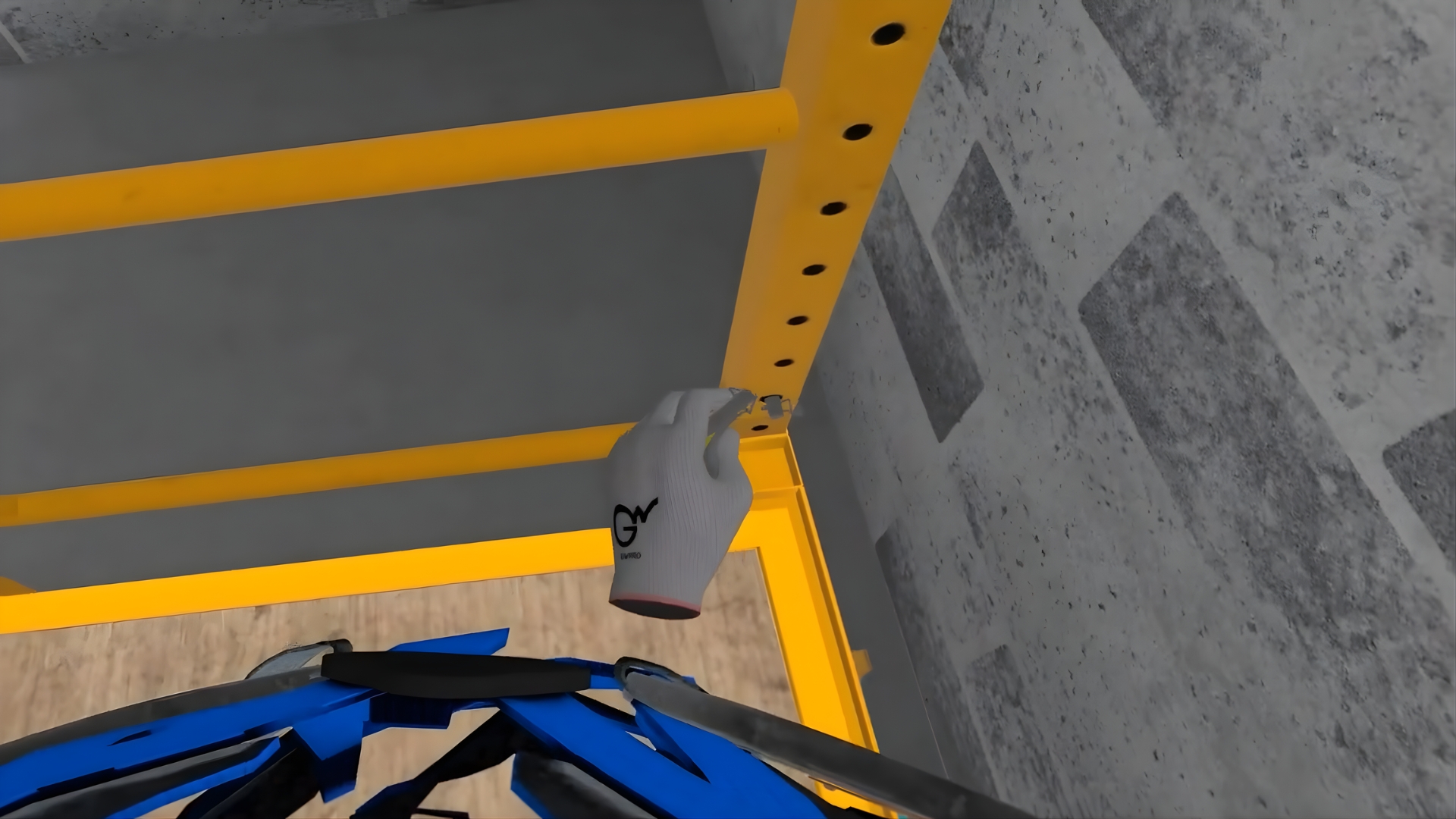
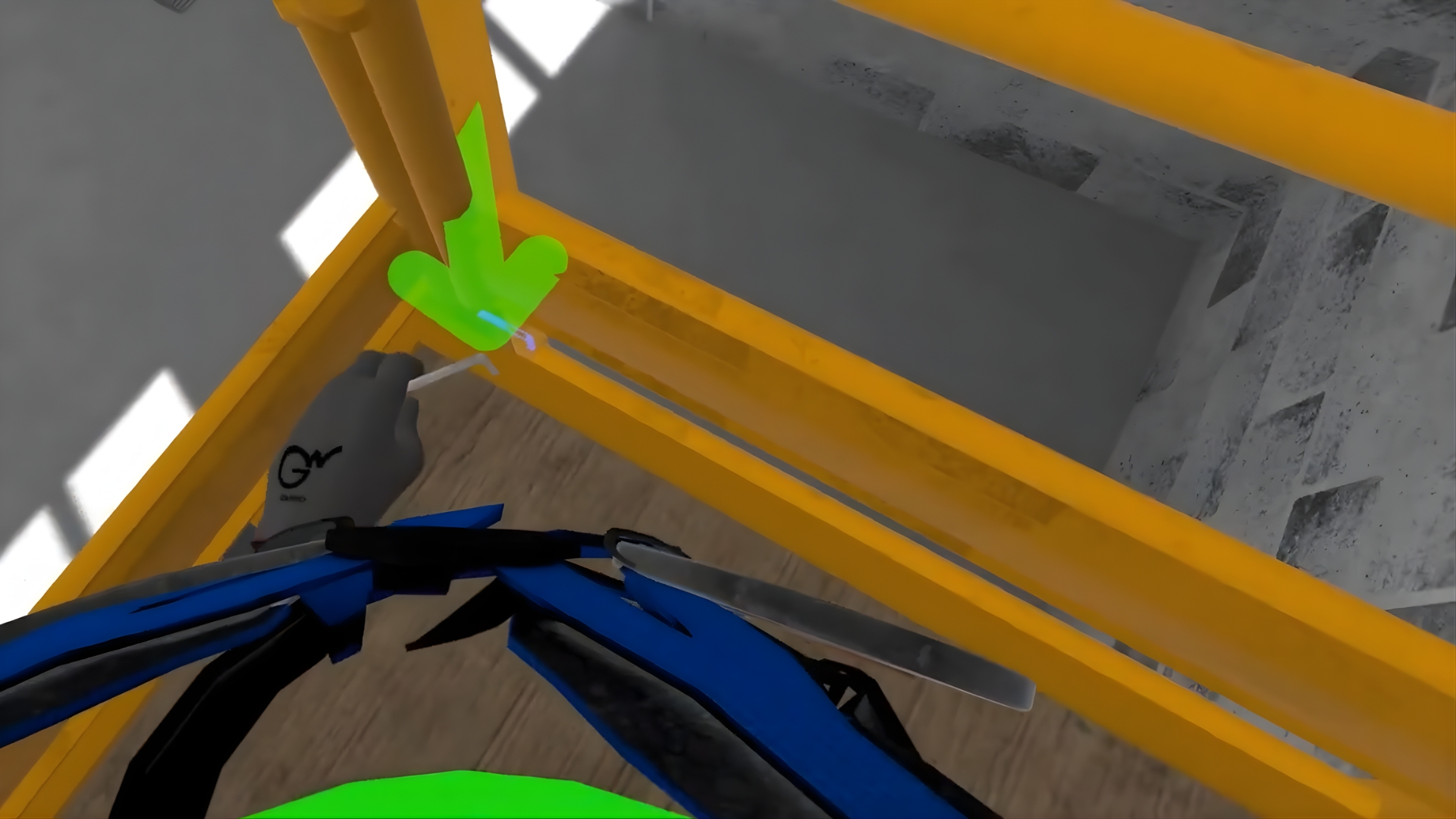
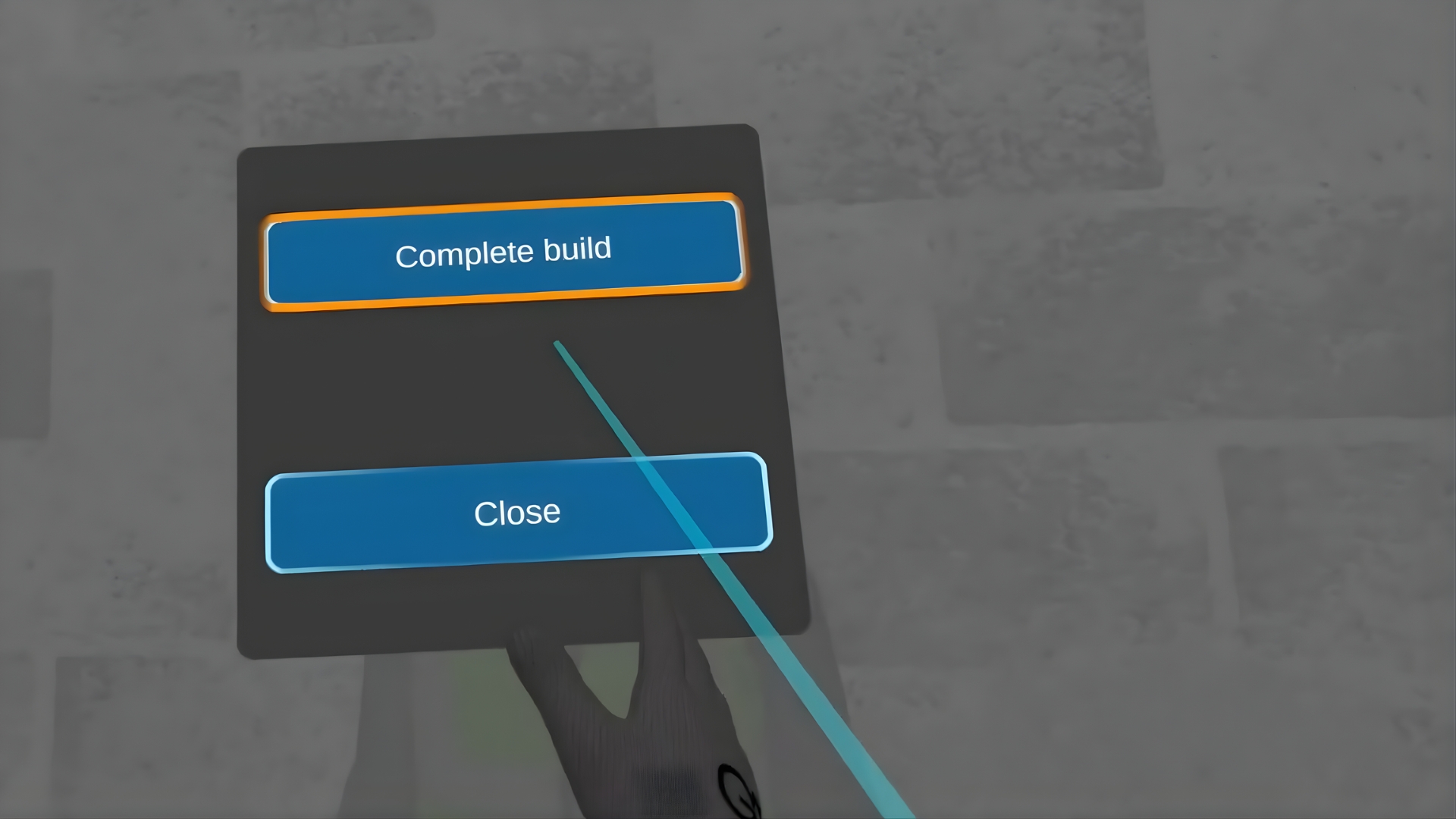
In the VR simulator, the user will prepare the site and tools, construct two levels of Baker
Scaffolding, check the horizontal level of the scaffolding parts, and mark the scaffolding ready for use.
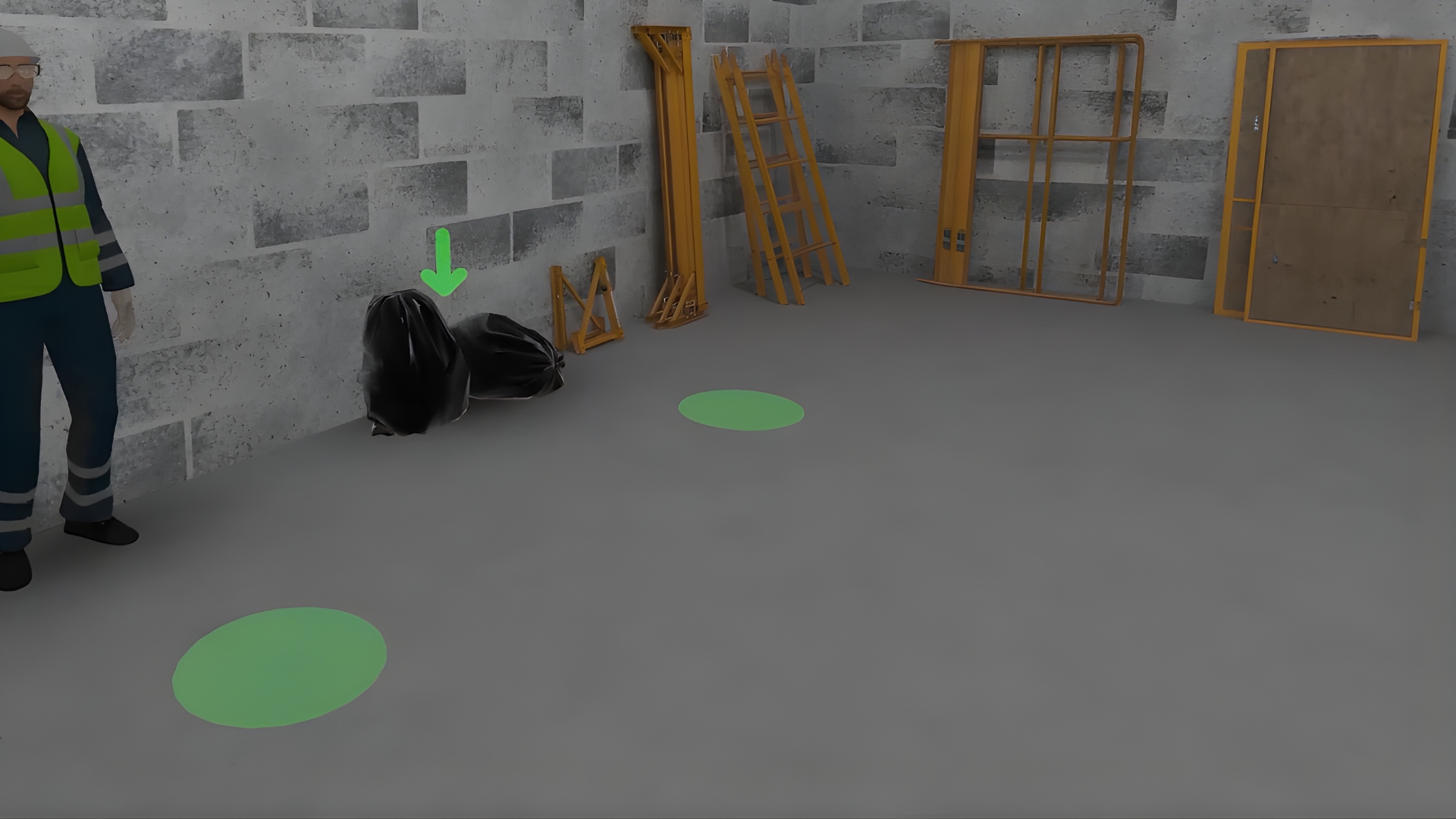
The second member of the team will assist with the task. The simulator begins by cleaning the job site and gathering and placing the necessary parts. Then the user learns to build the scaffolding levels and verticals step by step, checking the correctness of the construction.
The scaffolding is erected according to the standards, inspected and marked ready for use.
Languages
Learning Outcomes


What is Custom VR Builds?
It’s a service where Next World creates a fully tailored VR-training solution for your company — a custom course built to meet your industry-specific requirements rather than using a generic off-the-shelf VR module.
How does the custom-build process work?
The process typically follows these phases: you provide training documentation, subject-matter experts get involved, learning outcomes are identified, storyboard is created, virtual assets are modeled, testing and quality assurance, and finally deployment in your environment.
What type of training scenarios can be built?
You can build VR scenarios for hazard awareness, safe-practice with tools and equipment, practicing safety procedures step-by-step, and even testing learner’s knowledge in simulated hazardous situations — as if in real life but safe.
Is custom VR suitable for refresher training as well?
Yes — custom VR builds can be used for refresher/training-update courses to efficiently refresh skills and knowledge without re-arranging real equipment or putting people at risk.
What learning methodology does custom VR follow?
Next World suggests a blended approach: combining face-to-face, practical and immersive training methods, which helps improve retention, practical competence, and reduces incidents.