Risk Assessment
00:00
/
00:00
- Student completion records
- VR training certificates
- Training groups
- Scheduling
- Set refresher training frequency
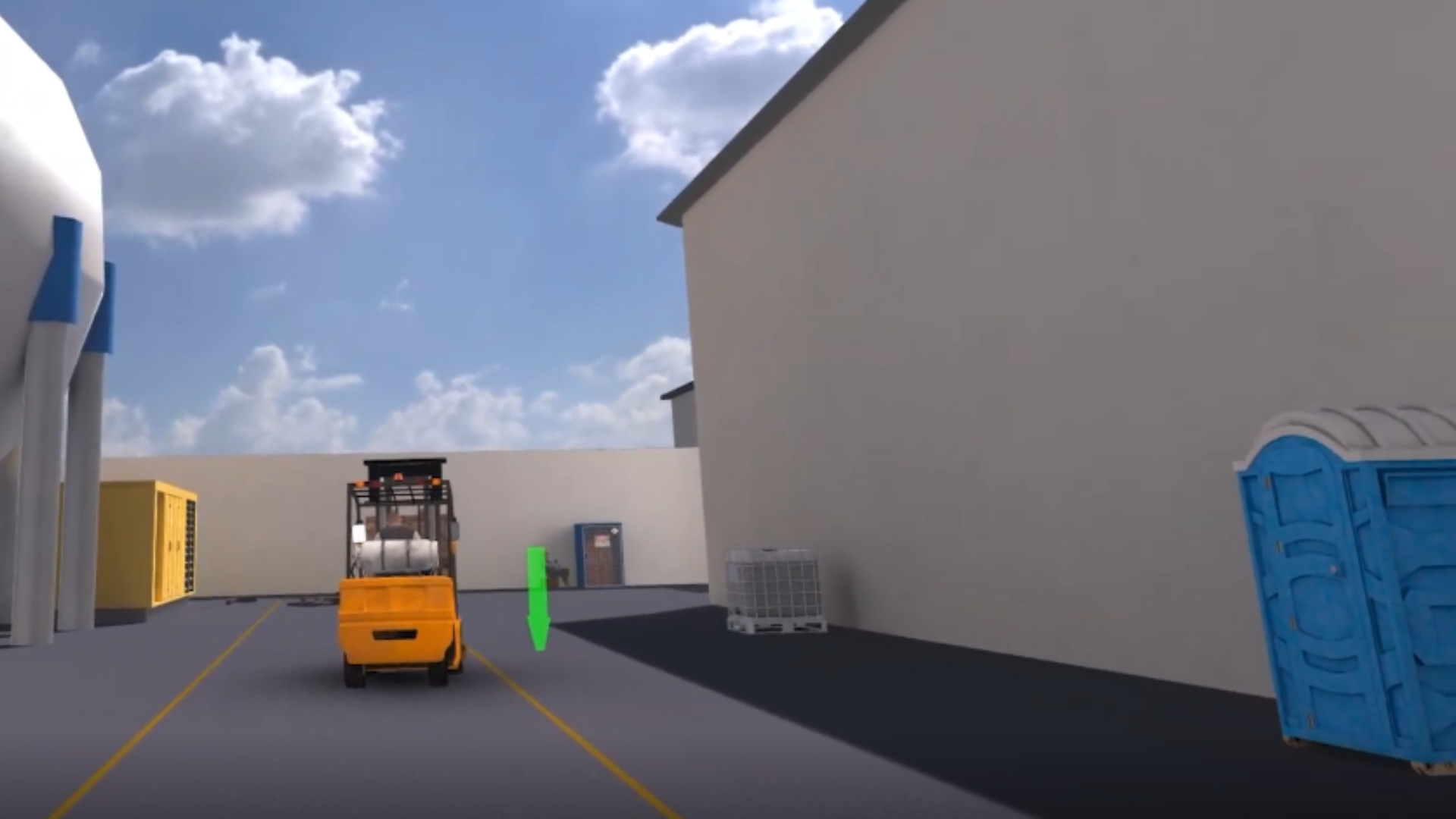
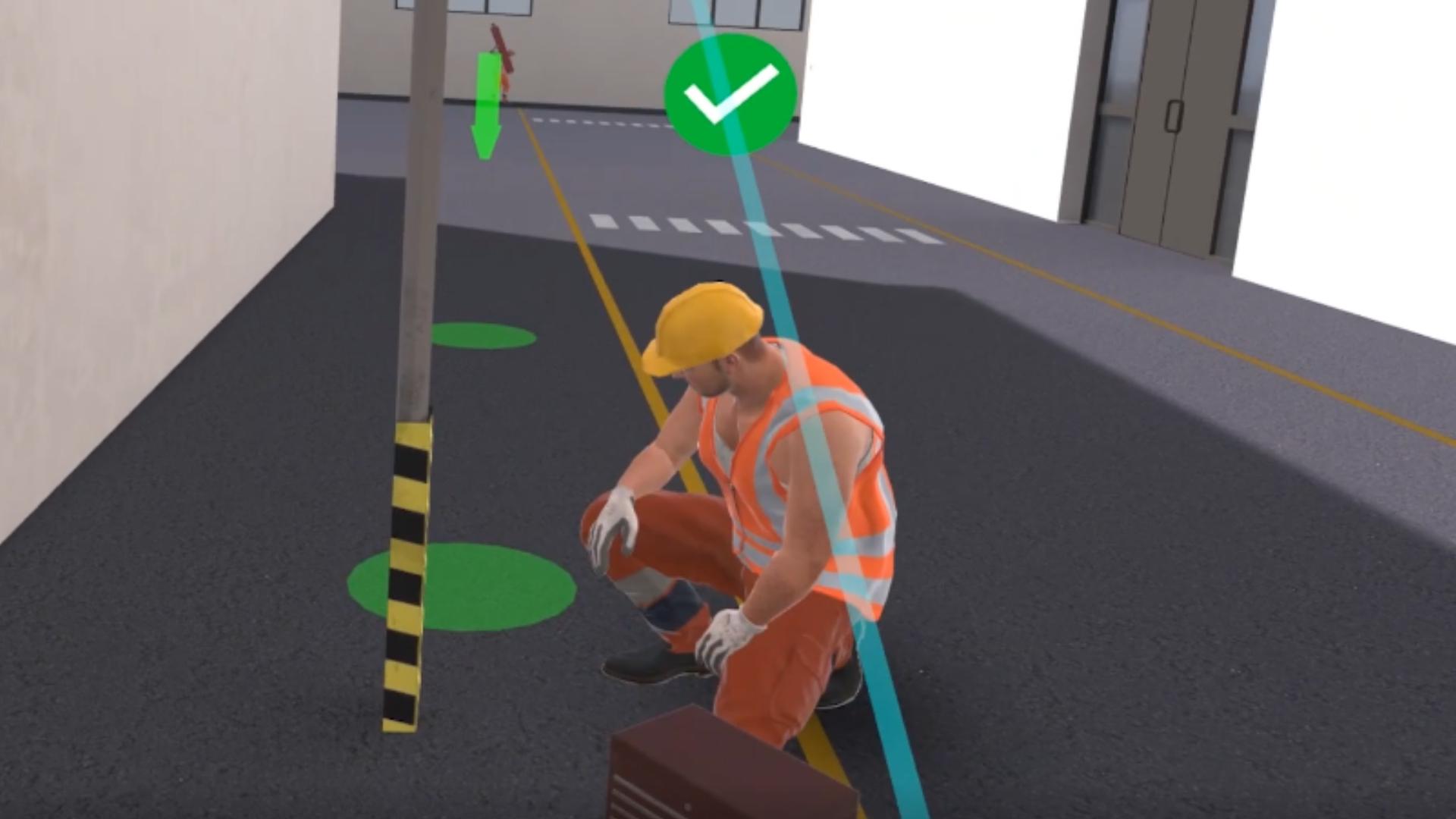
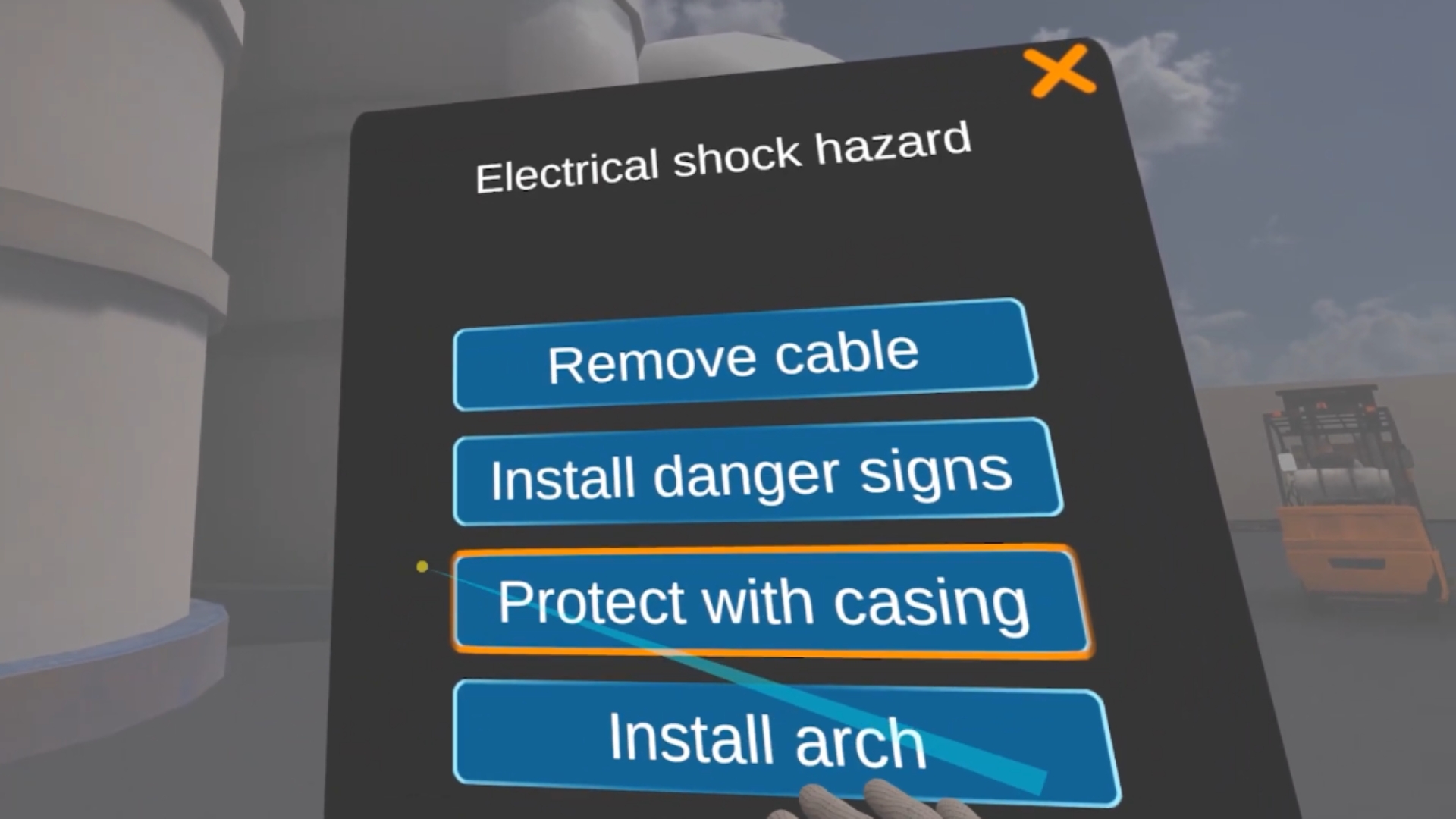
In the VR training, you'll need to find all the hazards on the industrial site.
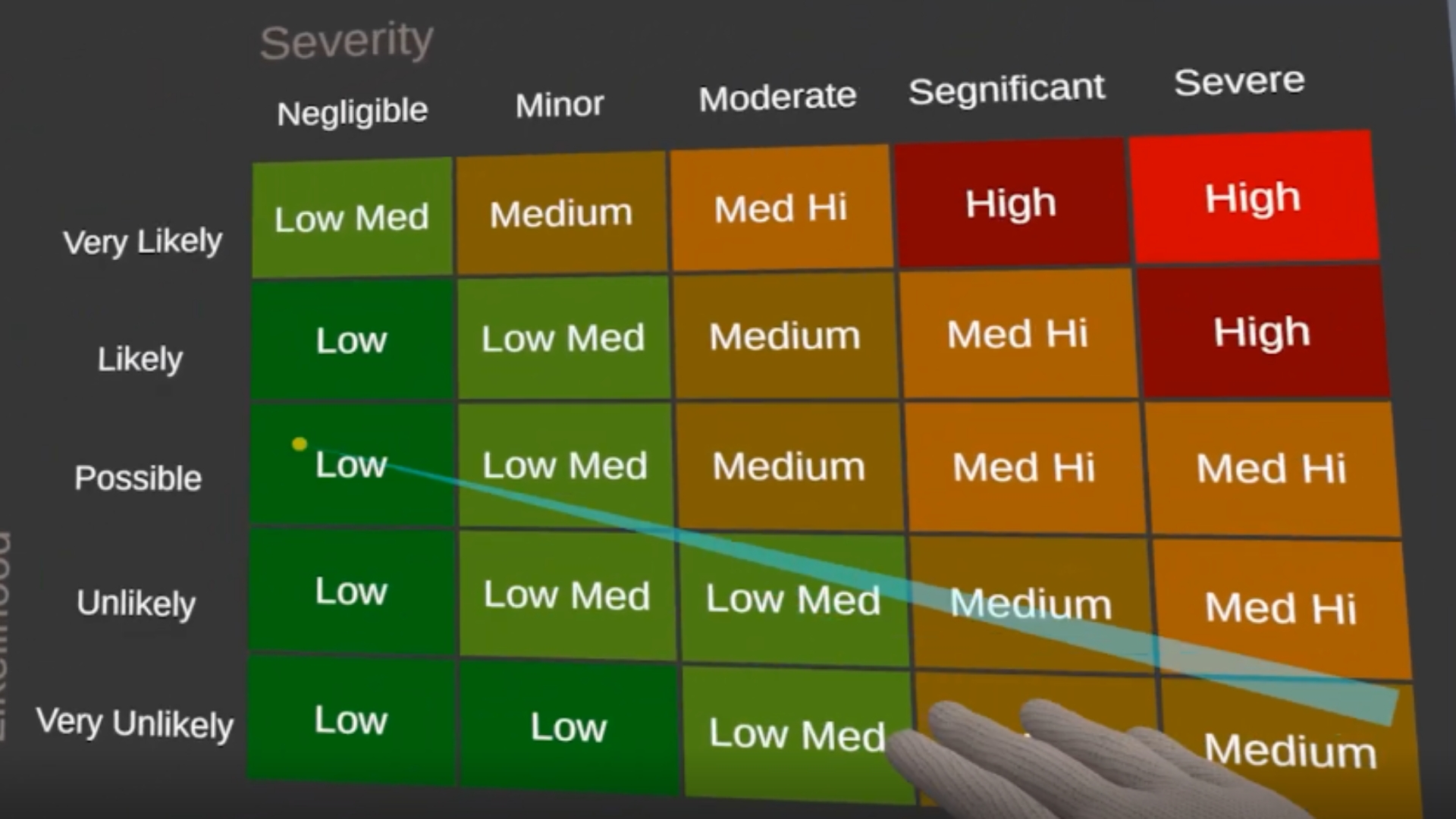
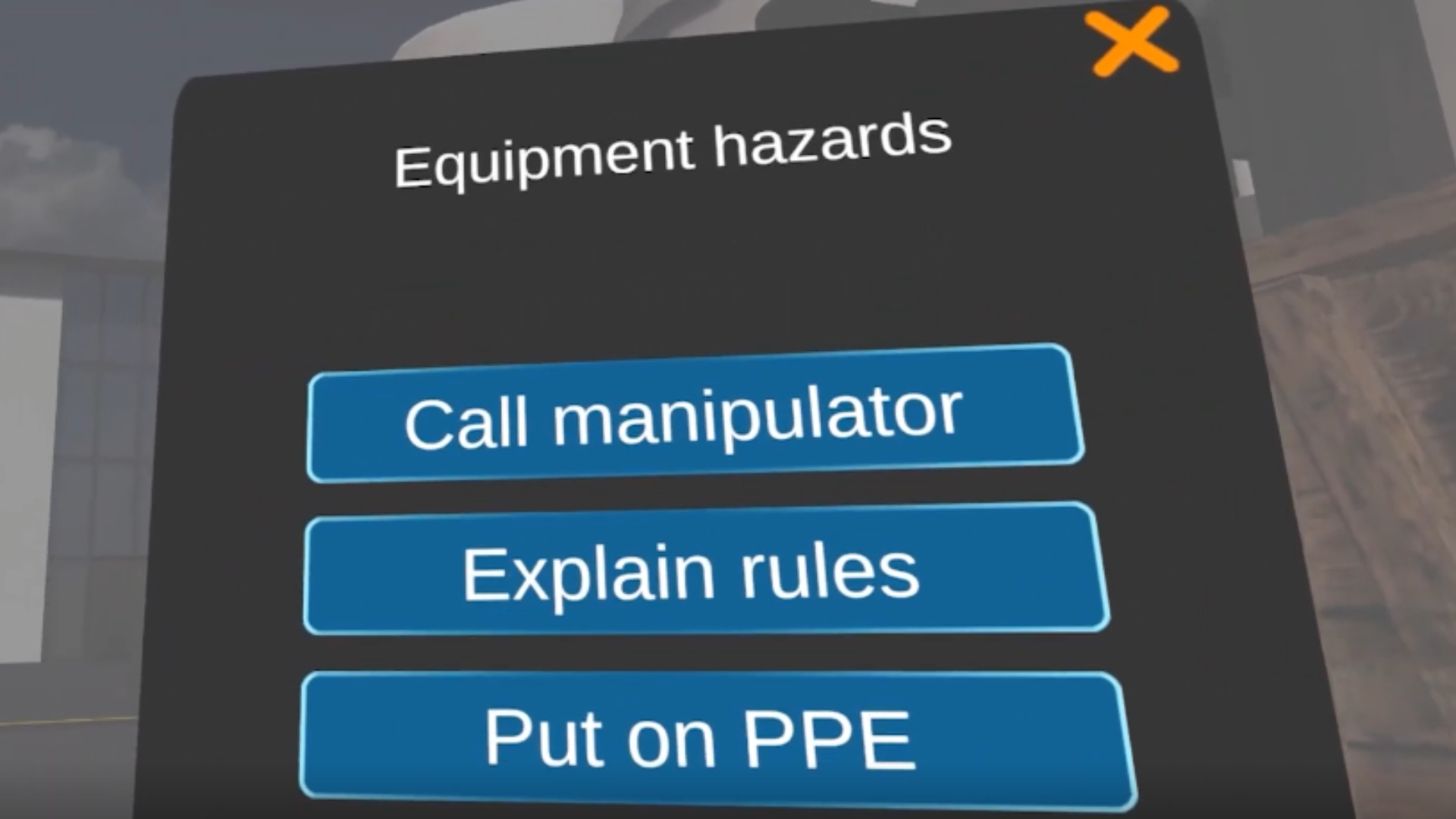
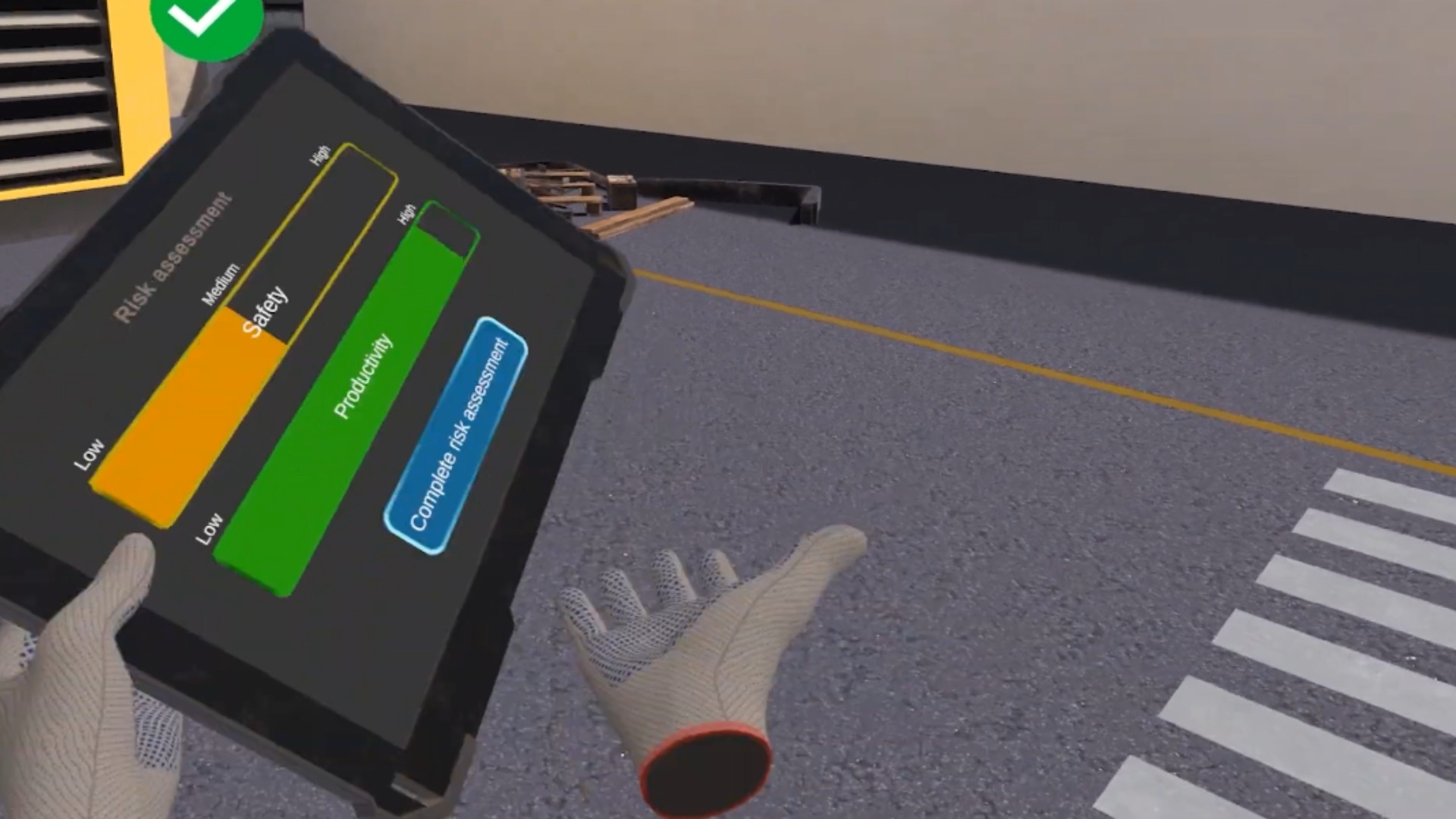
Using the Risk Assessment Matrix, you'll not only inspect the unsafe behavior or hazard, but also find the balance of solutions that maintain productivity. The user is a safety inspector who needs to control the work on site and prevent accidents. You'll visit indoor and outdoor locations and investigate various risks.
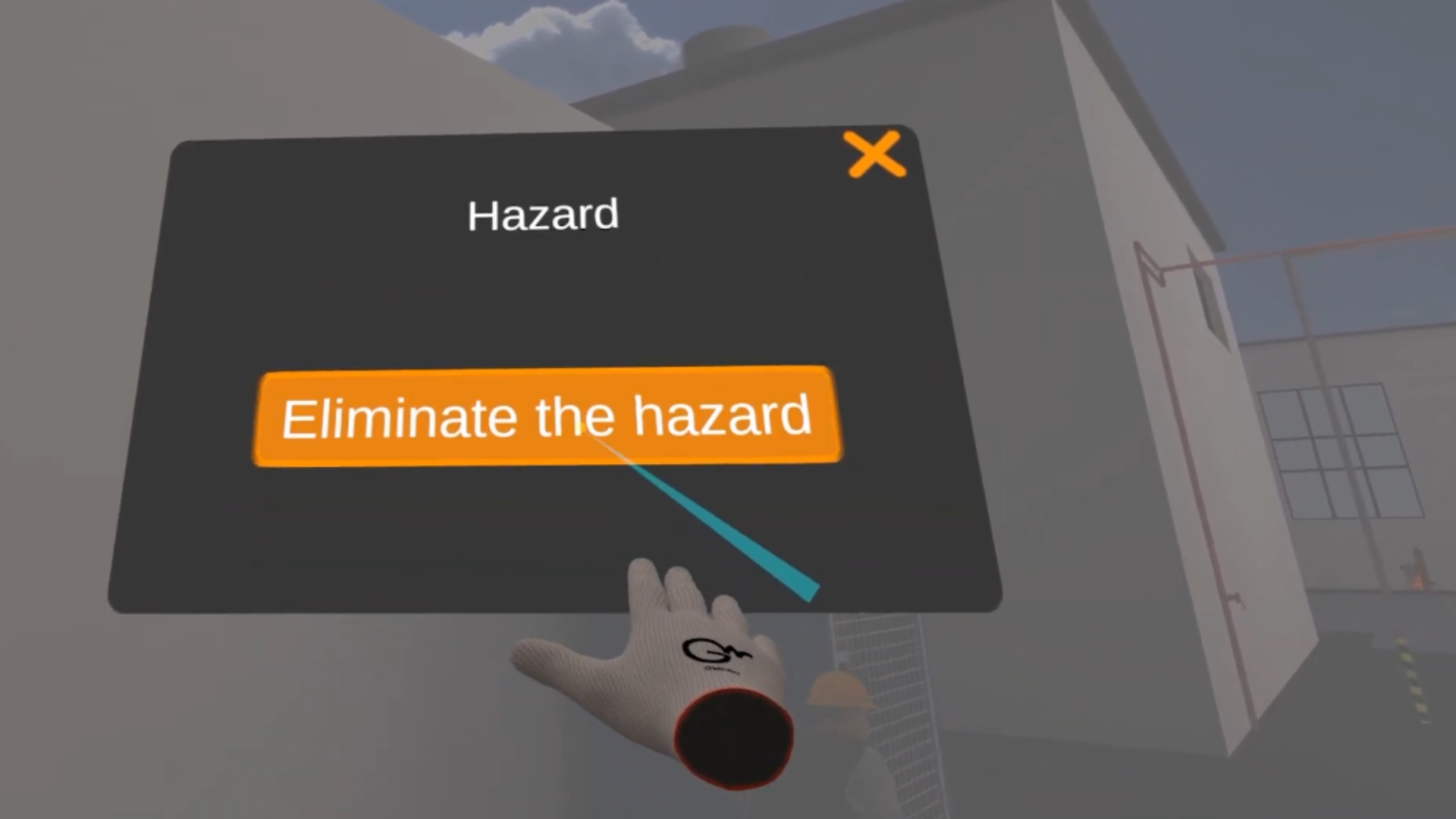
Your task is to eliminate all risks while maintaining a high level of productivity on the site. In the training and exam mode, many risks are randomized and you'll be immersed in unique training combinations each time you start.
Languages
Learning Outcomes
.jpg)
What is Custom VR Builds?
It’s a service where Next World creates a fully tailored VR-training solution for your company — a custom course built to meet your industry-specific requirements rather than using a generic off-the-shelf VR module.
How does the custom-build process work?
The process typically follows these phases: you provide training documentation, subject-matter experts get involved, learning outcomes are identified, storyboard is created, virtual assets are modeled, testing and quality assurance, and finally deployment in your environment.
What type of training scenarios can be built?
You can build VR scenarios for hazard awareness, safe-practice with tools and equipment, practicing safety procedures step-by-step, and even testing learner’s knowledge in simulated hazardous situations — as if in real life but safe.
Is custom VR suitable for refresher training as well?
Yes — custom VR builds can be used for refresher/training-update courses to efficiently refresh skills and knowledge without re-arranging real equipment or putting people at risk.
What learning methodology does custom VR follow?
Next World suggests a blended approach: combining face-to-face, practical and immersive training methods, which helps improve retention, practical competence, and reduces incidents.