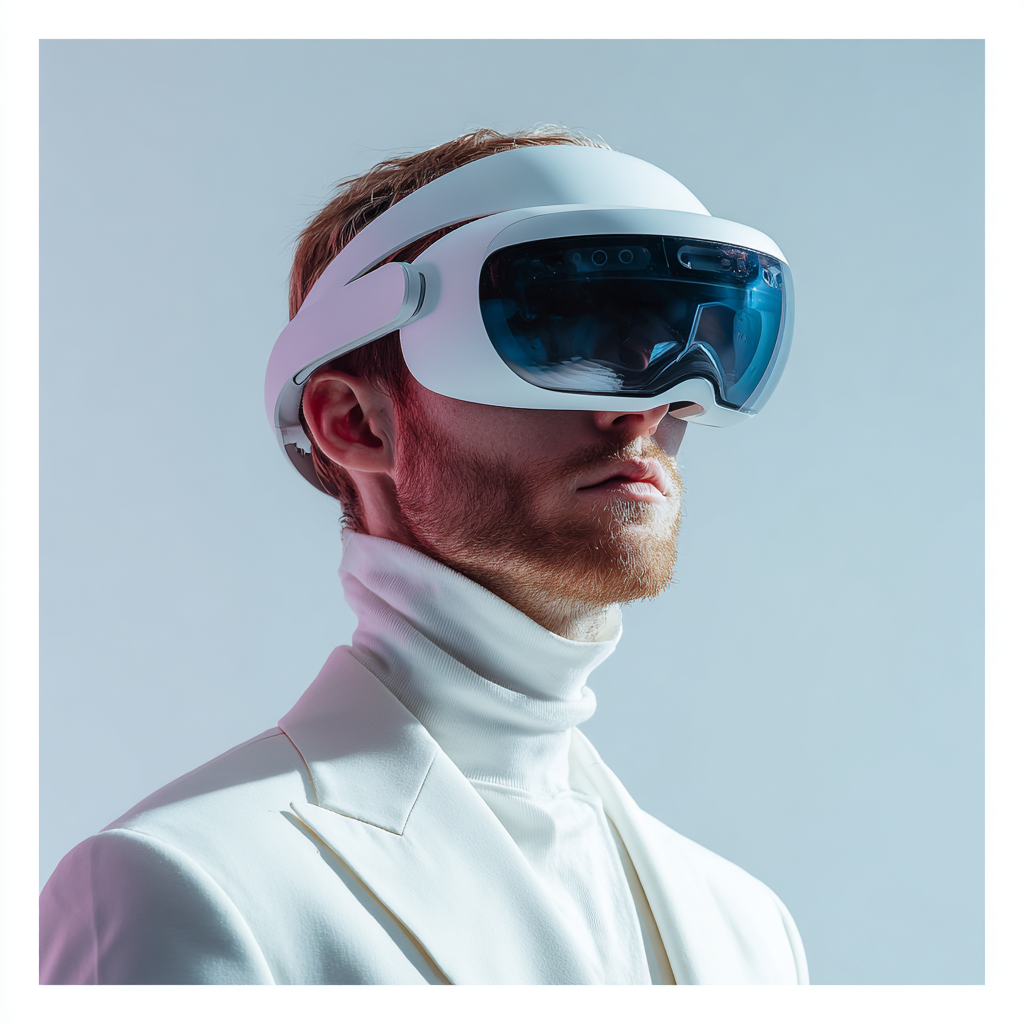
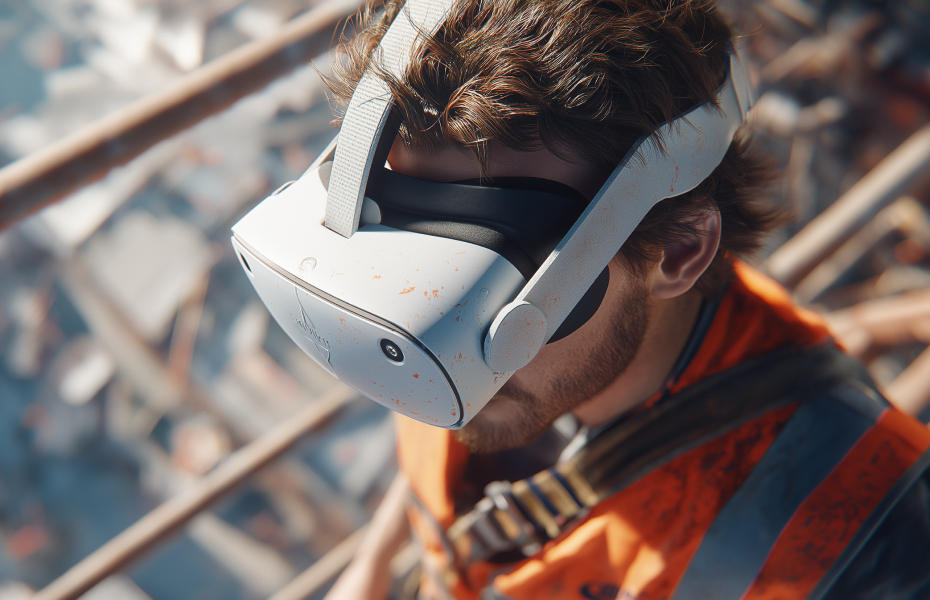
VR training simulator software is the engine that powers immersive workplace learning experiences, transforming how organizations train employees on everything from equipment operation to emergency response. If you're exploring ways to make training more effective, safer, or more engaging, understanding what this software can do and how it works is essential. This technology isn't just about fancy graphics, it's about creating realistic scenarios where employees can practice critical skills without putting themselves or expensive equipment at risk.
The software creates interactive three-dimensional environments that respond to trainee actions in real time. A worker learning forklift operation experiences the weight and momentum of the vehicle. Someone practicing emergency procedures feels the pressure of making quick decisions under stress. The result is training that sticks, building confidence and competence that transfers directly to real-world performance.
What Is VR Training Simulator Software?
At its core, VR training simulator software is a specialized application designed to create immersive learning experiences in virtual reality. Think of it as the brain behind the training system, the software that builds realistic environments, tracks trainee performance, manages scenarios, and provides the feedback that makes learning effective.
Unlike traditional e-learning software that presents information on a flat screen, VR training simulator software creates fully realized three-dimensional spaces. Trainees can move through these environments naturally, pick up virtual objects, operate equipment, and interact with their surroundings just as they would in the real world. The software monitors every action, measures performance against standards, and adapts the experience based on how the trainee is progressing.
The technology has evolved significantly in recent years. Early VR training systems required expensive computers and complex setups. Modern software runs on standalone headsets that cost a fraction of what earlier systems demanded, making professional-grade training accessible to organizations of all sizes.
Key Features That Matter
Realistic Environmental Simulation
The best VR training simulator software recreates work environments with remarkable accuracy. Every detail matters, the layout of a factory floor, the controls on a piece of machinery, the sounds of a busy warehouse, even the lighting conditions that affect visibility. This realism helps trainees build spatial awareness and familiarity with their actual work environment.
The software renders these environments at high frame rates to prevent motion sickness and maintain immersion. Physics engines simulate weight, momentum, and gravity so objects behave as they would in reality. When a trainee picks up a tool or moves equipment, it feels natural rather than disconnected.
Interactive Scenario Management
Quality software offers extensive scenario creation and management capabilities. Trainers can design multiple training paths, introduce variables like equipment malfunctions or unexpected hazards, and adjust difficulty levels to match trainee experience. Some systems use artificial intelligence to adapt scenarios automatically based on performance.
This flexibility means the same software can train a complete novice and challenge an experienced worker seeking advanced skills. Scenarios can be replayed with different parameters, ensuring trainees experience a wide range of situations they might encounter on the job.
Performance Tracking and Analytics
Research demonstrates that data-driven training produces measurably better outcomes. VR training simulator software captures detailed metrics on every aspect of trainee performance. How long did each step take? Were procedures followed in the correct order? Where did errors occur? How did the trainee respond under pressure?
This data goes far beyond simple pass or fail grades. Trainers can identify specific areas where individuals or groups struggle, track improvement over time, and demonstrate training effectiveness with objective evidence. The analytics help refine training programs continuously, making them more effective with each iteration.
Multi-User Capabilities
Many modern systems support collaborative training where multiple trainees work together in the same virtual environment. This is crucial for teaching teamwork, communication, and coordination skills that are essential in real-world operations. Team members can be in the same room or scattered across different locations, the software connects them in a shared virtual space.
These collaborative features enable practice scenarios that would be logistically challenging or impossible with traditional training. Emergency response teams can rehearse crisis situations together. Manufacturing crews can practice coordinated equipment changeovers. The software manages the interactions smoothly, ensuring everyone sees consistent information.
Content Creation Tools
The ability to create and customize training content is a critical differentiator. Some platforms require programming expertise, while others offer intuitive visual editors that let subject matter experts build scenarios without coding knowledge. Discover how custom VR development creates tailored training solutions for specific organizational needs.
Look for software that allows you to import 3D models of your actual equipment, use photographs or videos from your facilities, and incorporate your organization's specific procedures and protocols. The more the virtual environment matches your real workplace, the more effective the training becomes.
How the Software Creates Effective Learning
Experiential Learning at Scale
VR training simulator software enables experiential learning, where people learn by doing rather than just observing or reading. This approach produces significantly better retention rates compared to passive methods. When trainees physically practice a procedure in VR, their brains form memories similar to those created by real-world practice.
The software makes this experiential learning scalable. Instead of requiring one-on-one supervision with expensive equipment, dozens of employees can train simultaneously, each working through scenarios at their own pace. The system provides the guidance and feedback that would normally come from a human instructor.
Progressive Difficulty Adaptation
Smart VR training simulator software adjusts challenge levels automatically. When a trainee masters basic skills, the system introduces more complex scenarios. If someone struggles with a particular aspect, the software provides additional practice focused on that area. This personalization ensures everyone gets the training they need without wasting time on material they've already mastered.
This adaptive approach is particularly effective for organizations with diverse workforces where experience levels vary widely. New hires and veterans can use the same software, each receiving appropriately challenging training.
Immediate Corrective Feedback
One of the most powerful features is the ability to provide instant feedback. In traditional training, mistakes might not be caught until later, allowing bad habits to form. VR training simulator software identifies errors immediately and explains what went wrong and how to correct it.
This instant feedback loop accelerates learning dramatically. Trainees don't repeat mistakes multiple times before correction. They understand the right way to perform each step before moving forward, building correct procedures into muscle memory from the start.
Types of VR Training Simulator Software
Industry-Specific Platforms
Many software solutions focus on particular industries or types of training. Healthcare simulation software might specialize in surgical procedures or patient care scenarios. Construction platforms might focus on equipment operation and site safety. Manufacturing systems often emphasize machine operation and quality control procedures.
These specialized platforms come with pre-built scenarios and content relevant to their target industry. They often include compliance features aligned with industry regulations and standards. Explore our comprehensive safety training libraries designed for specific workplace hazards and situations.
General-Purpose Training Systems
Other software takes a more flexible approach, providing tools to create training for any situation. These platforms sacrifice some industry-specific features for versatility. They're ideal for organizations with diverse training needs or those wanting to develop unique scenarios not covered by off-the-shelf content.
General-purpose systems typically require more effort to set up initially but offer greater long-term flexibility. Organizations can build exactly the training they need rather than adapting their needs to fit pre-made content.
Cloud-Based vs. Standalone
Cloud-based VR training simulator software runs on remote servers, with trainees accessing content through their headsets. This approach simplifies updates and content management, all training materials stay current automatically. It also enables easier collaboration between locations and centralized performance tracking.
Standalone software runs entirely on the VR headset or local computer. This eliminates internet connectivity requirements and can provide better performance in some situations. However, content updates require manual installation, and data management is more complex.
Evaluating Software for Your Needs
Content Library and Customization Options
Consider what comes included and how easily you can create or modify content. A large library of pre-built scenarios reduces initial setup time. Strong customization tools let you tailor training to your specific environment and procedures. The ideal balance depends on whether your training needs are common or highly specialized.
Hardware Requirements and Compatibility
Check which VR headsets the software supports. Some systems work with multiple hardware platforms, while others are locked to specific devices. Consider your current hardware if you have any and the trade-offs between standalone headsets versus computer-tethered systems.
Also investigate scalability. How many simultaneous users can the system support? What bandwidth is required for cloud-based systems? Can performance data sync across multiple training locations?
Support and Training Resources
Quality software comes with comprehensive support. Look for providers offering trainer education, technical assistance, and regular updates. The availability of tutorials, documentation, and user communities can significantly impact your success with implementation.
Consider the provider's track record and stability. VR training is a long-term investment, you want confidence that your software provider will be around to support you for years to come.
Analytics and Reporting Capabilities
The data you can extract from the system determines how well you can measure and improve training effectiveness. Look for customizable reporting, the ability to track individual and group performance, and integration with your existing learning management or HR systems.
Some software provides advanced analytics like heat maps showing where trainees spend time or struggle, comparative benchmarking across groups, and predictive insights about who might need additional support.
Implementation Considerations
Getting Started Successfully
Studies have shown that organizations implementing VR training see the best results when they start with a clear plan. Begin with a pilot program focusing on one specific training need rather than trying to convert all training at once. This allows you to work out technical and logistical issues on a small scale.
Identify champions within your organization, people who are enthusiastic about the technology and can help others get comfortable with it. These advocates make the transition smoother and help build organizational buy-in.
Training the Trainers
Your training staff needs to become proficient with the software before they can effectively guide trainees. Plan for adequate time to learn the system's features, practice creating or modifying content, and understand how to interpret performance data.
Many organizations underestimate this requirement. Trainers comfortable with traditional methods may need time to adjust their approach. The investment in thorough trainer education pays off in smoother implementation and better trainee outcomes.
Integrating with Existing Programs
VR training simulator software works best when integrated into your overall training strategy rather than operating as a separate program. Think about how virtual training fits with classroom instruction, on-the-job training, and assessment processes.
The software should complement your existing approaches, handling the aspects where immersive simulation adds the most value while traditional methods cover other areas. This blended approach typically produces better results than relying exclusively on any single method.
The Technology Keeps Improving
Artificial intelligence is making VR training simulator software increasingly sophisticated. AI-powered systems can generate new scenarios automatically, provide more nuanced feedback, and even act as virtual instructors that respond naturally to trainee questions.
Haptic technology is advancing rapidly, adding realistic touch sensations to training. Trainees can feel resistance when turning a valve, vibration from operating machinery, or the texture of materials. These tactile cues enhance realism and improve skill transfer to real-world situations.
Graphics quality continues improving while hardware costs drop. Today's standalone headsets deliver visual experiences that required high-end computers just a few years ago. This trend makes sophisticated training accessible to smaller organizations that couldn't previously justify the investment.
Cross-platform compatibility is expanding, allowing training content to work across different hardware and even extending to augmented reality devices. This flexibility protects your investment as technology evolves.
Conclusion
VR training simulator software represents a fundamental shift in how organizations approach employee development and safety training. The technology creates learning experiences that are more engaging, more effective, and safer than traditional methods while providing unprecedented insights into trainee performance. From eliminating training-related injuries to accelerating skill development to ensuring consistent instruction across global operations, the right software delivers measurable results. As the technology becomes more accessible and capabilities continue expanding, VR training simulator software is evolving from an innovative option to an essential tool for organizations committed to developing capable, confident, and safe workforces.

Frequently Asked Questions (FAQs)
1. How difficult is it to create custom training content with VR training simulator software?
The difficulty varies significantly depending on the software platform you choose. Some systems require programming skills and 3D modeling expertise, making content creation a job for specialists. However, many modern platforms offer user-friendly interfaces where subject matter experts can build basic scenarios without coding knowledge. These tools typically use drag-and-drop editors, pre-made templates, and visual scripting. For simple scenarios, you might spend a few hours creating effective training. Complex, highly detailed simulations can take weeks or months to develop, similar to creating any sophisticated training program.
2. Can VR training simulator software integrate with our existing learning management system?
Most professional-grade VR training software offers integration capabilities with popular learning management systems through APIs or standard protocols like SCORM or xAPI. This integration allows performance data to flow into your existing records, maintains a unified view of employee training progress, and simplifies administration. When evaluating software, specifically ask about LMS compatibility and what data can be shared. Some systems offer pre-built connectors for major LMS platforms, while others may require custom integration work depending on your specific systems.
3. What kind of internet connection do we need for cloud-based VR training software?
Cloud-based systems typically require reliable broadband internet with minimum speeds of 10 to 25 Mbps per concurrent user, though faster connections provide better experiences. The exact requirements depend on the complexity of training scenarios and whether content streams in real time or downloads before sessions. Many systems cache content locally on headsets to reduce bandwidth needs during actual training. If your facilities have limited connectivity, standalone software that runs entirely on local hardware might be more appropriate. Hybrid approaches where content downloads during off-peak hours can also work well.
4. How often does VR training simulator software need to be updated?
Software update frequency varies by provider and deployment model. Cloud-based systems often receive automatic updates regularly, sometimes monthly or quarterly, with new features, bug fixes, and content improvements. Standalone software typically requires manual updates that you can schedule based on your needs. Critical security patches should be applied promptly, while feature updates can often wait for convenient times. Your training content itself should be reviewed and updated whenever procedures change, equipment is replaced, or regulatory requirements shift, similar to any training program maintenance.
5. What happens if our VR training software provider goes out of business?
This is a legitimate concern when investing in specialized technology. To protect yourself, look for providers with strong financial backing, established track records, and large customer bases. Ask about data export capabilities so you can extract training content and performance records if needed. Some organizations negotiate source code escrow agreements that give them access to the software code if the provider ceases operations. Consider whether the software uses open standards that would allow migration to alternative platforms. Diversifying across multiple providers or choosing platforms with strong market presence reduces this risk significantly.
Author:

Share Article:
Author:
Share Article: